
Site added
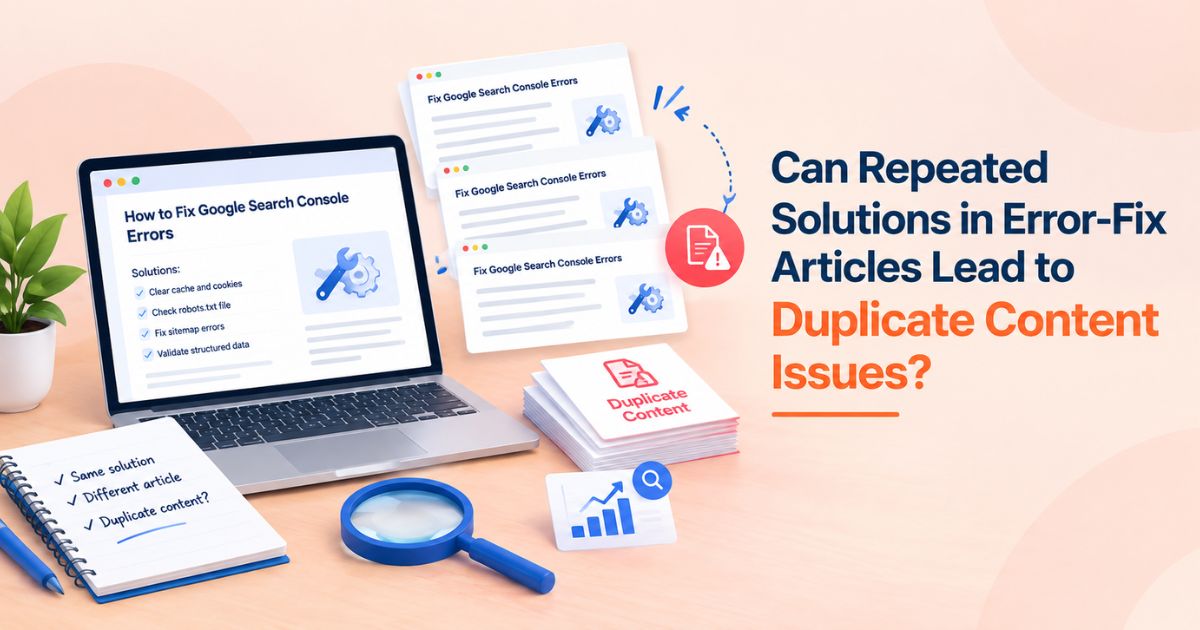
You publish an article for every error code your audience runs into. Half of them end with the same fix: clear the cache, update the driver, reset the config. Then a worry creeps in. Is Google going to treat all of these pages as duplicates?
The short answer: repeated solutions are not a penalty trigger on their own, but they can still hurt you. When pages look too alike, search engines pick one version to show and quietly ignore the rest. That is a ranking and indexing problem, not a punishment, and it is fixable.
This guide explains what actually happens, how to tell whether your error-fix pages are affected, and how to keep the useful repetition while removing the risky kind.
Quick Answer: Do Repeated Solutions Cause Duplicate Content Issues?
Usually, they do not cause a penalty. Google's own guidance says duplicate content on a site is generally not grounds for action unless it is created to deceive or manipulate search results.
What they can cause:
• Canonical confusion: Google groups near-identical pages and chooses one to index.
• Split signals: links, clicks and relevance get shared across several URLs instead of building one strong page.
• Wrong page ranking: a weaker or thinner version may surface instead of your best article.
• Wasted crawling: on large sites, crawlers spend time on pages that add nothing new.
The real question is not "is a solution repeated?" but "is the whole page substantially the same as another page?"
What Google Actually Does With Duplicate Content
When Google finds several pages with the same or very similar content, it clusters them and selects a single canonical URL to represent the group. The other URLs are usually filtered out of results, though they may stay in the index as alternates.
Two points matter for error-fix content:
1. Duplication is judged at the page level. A shared fix inside a page with a unique problem description, unique symptoms and unique diagnosis is not a duplicate page.
2. You do not control which version wins unless you tell Google. Without a clear canonical signal, Google makes the call, and it may not choose the page you wanted.
Why Error-Fix Articles Are Especially Exposed
Troubleshooting content has a structural problem. Many different errors have the same underlying remedy, so writers reuse the same steps, often copied word for word. A few patterns make it worse:
• Templated pages. One template, a swapped error code in the headline, and an identical body.
• Near-identical intros. Every article opens with the same paragraph about how frustrating errors are.
• Variant URLs. The same article reachable through parameters, tag archives, print views or pagination.
• Thin differentiation. The only unique element is the error name, while the diagnosis and the fix are the same.
If you recognize your site in two or more of these, it is worth auditing.
Repetition That Is Fine vs Repetition That Is Risky
|
Situation |
Risk level |
What to do |
|
Same fix steps inside a page with a unique error description, symptoms and diagnosis |
Low |
Keep it. Add context that explains why this error leads to that fix. |
|
A short shared checklist (for example, clear cache) reused across many articles |
Low |
Keep it brief and link to one full guide for details. |
|
Identical article body with only the error code swapped |
High |
Merge into one page, or rewrite each around its real cause. |
|
Same article live on several URLs (parameters, archives, print versions) |
High |
Set a canonical tag or redirect to the preferred URL. |
|
Fix copied from another site or a vendor's documentation |
Medium to high |
Rewrite in your own words and add your own testing or screenshots. |
How to Check Whether Your Error-Fix Pages Are Being Treated as Duplicates
You do not need to guess. These checks show what Google is doing.
1. Look at the Page Indexing report in Google Search Console
Filter for statuses such as "Duplicate without user-selected canonical" and "Duplicate, Google chose different canonical than user." Both mean Google sees pages as too similar and is deciding for itself.
2. Use the URL Inspection tool
Inspect an article you expect to rank. Compare the user-declared canonical with the Google-selected canonical. If they differ, Google disagrees with your setup.
3. Search a distinctive sentence from your fix
Put a unique line from the solution in quotes in Google. If several of your own URLs appear, or a different URL than the one you wanted, you have overlap.
4. Compare rankings by query
If two of your articles swap positions for the same query week to week, they are probably competing. This is a close cousin of keyword cannibalization, and the fix often overlaps.
How to Keep Shared Solutions Without Creating Duplicate Pages
Lead with what is unique
Start each article with the specific error: the exact message, where it appears, which software or version triggers it, and what usually causes it. The fix is the ending, not the whole article.
Build one shared solution page and link to it
If ten errors share a fix, write that fix once as a thorough guide. In each error article, summarize the step in a sentence or two and link to the full guide. Readers get the answer, and Google sees one authoritative page for the fix.
Add diagnosis, not filler
For each error, explain how to confirm the cause before applying the fix. Diagnostic steps are naturally different from one error to the next, which makes each page genuinely distinct and more useful.
Consolidate pages that cannot be differentiated
If two articles truly cover the same problem, merge them. Keep the stronger URL, move the useful parts of the weaker one into it, and 301 redirect the old URL. Use a canonical tag when both pages must remain accessible.
Clean up URL variants
Make sure each article resolves to one preferred URL. Use self-referencing canonical tags on the preferred version, and keep internal links pointing to it consistently.
Trim repeated boilerplate
Cut identical intros, disclaimers and long "how to contact support" blocks that add length without value. Keep one short, useful version.
Vary internal link anchor text
If thousands of error articles link to the same shared fix with identical anchor text (for example, "clear cache guide"), the pattern reads as templated, especially when the links are inserted automatically. Tie each anchor to the context of the page it sits on, such as "clearing the browser cache for this login error," and avoid generic anchors like "click here." Descriptive, varied anchors help search engines understand what the linked page covers.
Keep structured data accurate on repeated steps
If you mark up troubleshooting steps with HowTo schema, identical step data repeats on every URL, and any error in it repeats everywhere too. Google has also stopped showing HowTo rich results, so the markup adds upkeep with little visible payoff. TechArticle markup is a better fit because it describes the article itself, which is unique to each page. Whatever you use, make sure it matches the visible content, and validate a sample of pages in the Rich Results Test and Search Console.
Quick Checklist Before You Publish an Error-Fix Article
• The headline and first paragraph describe this specific error, not a generic one.
• At least a few paragraphs are unique to this error: symptoms, causes, diagnosis.
• Shared steps are short and link to a full guide where relevant.
• Internal links to shared guides use descriptive, varied anchor text.
• The page has one canonical URL, and internal links point to it.
• Backlinks to each duplicate are checked before redirecting.
• Structured data matches the visible content and has been validated.
• No other article on the site targets the same query with the same answer.
• Screenshots, commands or results come from your own testing where possible.
Use an SEO Backlink Checker Before You Merge Duplicates
Duplicate error-fix pages do not only split rankings. They can also split the backlinks pointing at them. Sites that cited your fix may have linked to different versions, so authority is spread thin.
Before merging or redirecting anything, run the affected URLs through an SEO backlink checker. Look at which version has attracted the most referring domains, and keep that URL as your primary. A 301 redirect from the weaker versions passes most of their value to the one you keep, but you want to be sure you are consolidating toward the page that already earned the links.
It also helps to treat link reclamation as part of the cleanup. If a good site links to a retired URL, a redirect usually preserves that link, and a short outreach note asking them to update it can tidy things further.
After Consolidating: Prioritize Your Link Budget
Once your error pages are consolidated, focus your link-building budget on the few high-value pages that remain. One authoritative troubleshooting guide is a better link target than ten thin variations.
Before you spend, benchmark what comparable placements cost. A backlink price checker lets you test a target domain's metrics and pricing first, and a guest post price comparison tool shows the same placement quoted across marketplaces, so you avoid overpaying.
Conclusion
Repeated solutions in error-fix articles do not automatically create a duplicate content penalty. The risk sits in near-identical pages that give search engines no reason to prefer one over another. Keep the repetition that helps readers, write each page around its own cause and diagnosis, consolidate what cannot be differentiated, and make sure the links you have earned end up on the page you want to rank.
Once your error pages are consolidated, put your link-building budget behind the pages that remain. WeblinkBuzz is a link-building tool that lets you run a backlink price comparison across more than 56 marketplaces, so your budget goes further.