
Site added
You translate a page into five languages, launch it, and then a crawl report lights up: the same title on dozens of URLs, empty or identical descriptions, and in some templates two <meta name="description"> tags sitting in the same <head>. Nothing looks broken in the browser, so the problem can sit unnoticed for months.
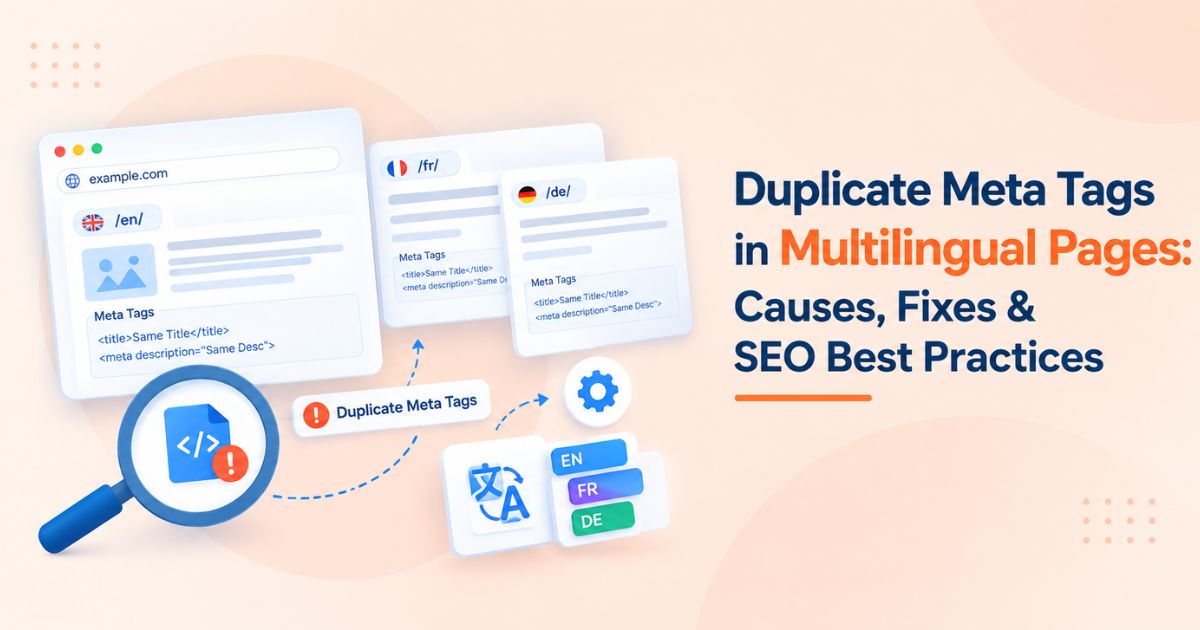
Duplicate meta tags on multilingual sites are rarely a single bug. They usually come from how translation plugins, SEO plugins, templates, and JavaScript frameworks each try to write the same tags. This guide explains what counts as a duplicate, where it comes from, how to find it, and how to fix it so each language version sends one clear signal.
|
Quick answer Give every language version its own translated title and meta description, output each tag exactly once from a single source, point each page's canonical at itself, and connect the versions with reciprocal hreflang annotations. Translated duplicates are not a penalty, but they make it harder for search engines to pick the right page for the right searcher. |
What "Duplicate Meta Tags" Means on a Multilingual Site
The phrase covers two different problems. They have different causes and different fixes, so separate them before you start debugging.
|
Type |
What it looks like |
Where it shows up |
|
Duplicate tags within one page |
Two or more title, meta description, canonical, or robots tags in the same head |
View-source or rendered HTML of a single URL |
|
Duplicate values across pages |
The same title or description reused on different URLs, often the default-language text on translated pages |
Site crawls and Search Console reports |
Why Duplicate Meta Tags Hurt Multilingual SEO
Search engines do not hand out a manual penalty because two pages share a description. The damage is indirect, and on a multilingual site it compounds:
• Rewritten snippets. When a title or description does not match the page, search engines may replace it with text pulled from the page, so you lose control of how each language version appears in results.
• Wrong-language results. A French page carrying an English title gives searchers and crawlers mixed signals about who the page is for.
• Conflicting instructions. Two canonical or robots tags can contradict each other, and the outcome is not something you control.
• Weaker click-through. Identical titles across languages and regions make results look interchangeable, so fewer people have a reason to click yours.
• Wasted audit time. Real problems get buried under hundreds of flagged URLs, so nobody triages them.
Common Causes of Duplicate Meta Tags in Multilingual Pages
1. Two systems writing the same tag
A theme prints a hardcoded description, an SEO plugin prints another, and a translation plugin adds hreflang or canonical tags on top. Each one works alone; together they output the tag twice. This is the most common cause of duplicates inside a single page.
2. Untranslated fallback strings
When a translation is missing, many setups quietly fall back to the default-language title and description. The page body may be translated while the head still says the same thing as the original, which produces cross-page duplicates at scale.
3. Hardcoded template meta
A static description in a shared layout file applies to every page and every language until someone overrides it field by field.
4. Server-rendered and client-rendered tags together
A framework renders tags on the server, then a head-management library injects them again in the browser. The raw HTML and the rendered DOM disagree, or both contain a copy.
5. Regional variants in the same language
English pages for the US, UK, and Australia often share almost identical content. If the titles and descriptions are also identical, the pages compete with each other instead of serving their own audience.
6. Machine translation that returns the same string
Titles built from brand names, product codes, or untranslatable terms can come back identical in every language. Automated translation also tends to produce descriptions that are technically translated but not localized.
7. Misconfigured canonical or hreflang tags
Canonicals on translated pages that point to the original-language page, or hreflang annotations without return links, make the versions look like duplicates of each other instead of alternates.
How to Audit Duplicate Meta Tags Across Language Versions
1. Crawl by language folder or subdomain. Run a crawler such as Screaming Frog and review the duplicate page title, duplicate meta description, and hreflang reports for each locale separately.
2. Count tags in the raw HTML. A quick command-line check shows how many description tags the server actually sends:
curl -s https://example.com/fr/page/ | grep -io '<meta name="description"' | wc -l
Anything other than 1 needs investigation. Run the same check for <title, rel="canonical", and name="robots".
3. Compare raw HTML with the rendered DOM. Use URL Inspection in Google Search Console to view the rendered HTML, and check whether JavaScript adds or changes tags after load.
4. Check hreflang reciprocity. Every page in a cluster must link back to every other page in the cluster. Missing return links are one of the most common hreflang errors.
5. Sort duplicates by template. Group flagged URLs by page type (product, category, blog). One broken template usually explains thousands of rows.
How to Fix Duplicate Meta Tags: Step by Step
Fix 1: Choose one source of truth for head tags
Decide which system owns the title, description, canonical, robots, and hreflang tags, then disable the others. If an SEO plugin owns them, remove the hardcoded tags from the theme and turn off the translation plugin's own meta output. Re-run the curl check afterward.
Before and after, for a French page:
Problematic head (duplicates and mismatched language):
<head>
<title>Running Shoes | Example Store</title>
<meta name="description" content="Shop running shoes online.">
<meta name="description" content="Shop running shoes online with free delivery.">
<link rel="canonical" href="https://example.com/en/running-shoes/">
</head>
Corrected head (one of each, localized, self-canonical):
<head>
<title>Chaussures de running | Example Store</title>
<meta name="description" content="Découvrez nos chaussures de running pour la route
et le trail, avec livraison offerte dès 60 €.">
<link rel="canonical" href="https://example.com/fr/chaussures-de-running/">
<link rel="alternate" hreflang="en" href="https://example.com/en/running-shoes/">
<link rel="alternate" hreflang="fr" href="https://example.com/fr/chaussures-de-running/">
<link rel="alternate" hreflang="x-default" href="https://example.com/en/running-shoes/">
</head>
Fix 2: Store title and description per locale
Add dedicated title and description fields to every translation record. Do not let a missing translation inherit the default-language value. If a locale is not ready, the cleanest option is not to publish that page, and not to list it in hreflang, until a real translation exists.
A caution on noindex: pages inside an hreflang cluster should be indexable. If you noindex one translated page, remove it from the hreflang annotations on every other version in the cluster. Otherwise the cluster points at a URL that cannot be indexed, return links break, and search engines may ignore that URL or misread the cluster. Treat noindex as a short-term holding measure, not a permanent fix.
Fix 3: Make each language version self-canonical
A translated page should canonicalize to itself. Pointing a French page's canonical at the English original tells search engines the French page is not worth indexing, which defeats the point of translating it.
Fix 4: Add complete, reciprocal hreflang annotations
List every language and regional version on every page in the cluster, including a self-reference, and add an x-default for the fallback version. Use valid language codes, optionally with a region (for example en-gb), and keep annotations consistent whether you place them in the head, HTTP headers, or the XML sitemap.
Fix 5: Differentiate same-language regional pages
For en-US, en-GB, and en-AU, localize what actually differs: spelling, currency, shipping terms, local proof points. Put those differences in the title and description, and keep hreflang in place so each audience gets its own version.
Fix 6: Stop double injection from JavaScript
Pick either server-side or client-side head management and remove the other. Where the framework supports it, render the final tags on the server so the raw HTML already contains the correct, single set.
Symptom-to-Fix Reference
|
Symptom in the audit |
Most likely cause |
Fix |
|
Two description tags on one URL |
Theme and SEO plugin both output meta |
Disable one source; re-check raw HTML |
|
Same title on every language version |
Fallback to default-language string |
Add per-locale fields; hold untranslated pages |
|
Translated page canonicalizes to the original |
Canonical set globally, not per page |
Make each version self-canonical |
|
Hreflang "no return tag" errors |
Annotations added on some pages only |
Output the full cluster on every page |
|
Tags differ between view-source and rendered DOM |
Client-side injection on top of server tags |
Use a single rendering path |
|
en-US and en-GB titles identical |
Region variants cloned without localization |
Localize wording, currency, and terms |
Best Practices for Meta Tags on Multilingual Pages
• Write natively, not literally. Research how people search in each market and write titles around those phrases, not word-for-word translations.
• Keep titles and descriptions unique per URL. This applies within a language as much as across languages.
• Treat length as a guideline. Search results truncate by pixel width, not character count, and scripts differ in width. Check how CJK and long-word languages display instead of copying English limits.
• Match the visible language. Search engines determine page language from the visible content, so a translated body with an untranslated head sends mixed signals.
• Use one URL structure consistently. Subfolders, subdomains, or country-code domains all work if you apply the same pattern to every locale.
• Skip meta keywords. Google does not use them, so they add nothing to the page.
Audit and Prevention Checklist
☐ Exactly one title, description, canonical, and robots tag per URL in raw HTML
☐ Title and description translated and unique for every locale
☐ No default-language fallback text on translated pages
☐ Self-referencing canonical on every language version
☐ Complete hreflang cluster with return links and an x-default
☐ Raw HTML and rendered DOM contain the same tags
☐ Automated head-tag test added to the release pipeline
☐ Fresh crawl after every template or plugin change
After the Technical Fix: Audit Your International Backlink Profile
Once your multilingual meta issues are resolved and canonical structures are updated, auditing your international backlink profile confirms that link equity is flowing to the correct localized URLs. This matters because canonical and redirect changes can move signals from one URL to another, and links that used to point at a default-language page may now sit on a URL you no longer want indexed.
Run an SEO backlink checker, or Search Console's Links report, for each language folder to see which localized URLs have earned referring domains. Flag any language version whose best links point at a redirected or non-canonical URL, and ask linking sites to update those where it is worth the effort. A bulk backlink checker saves time when a site has dozens of language versions or you are reviewing several domains in one pass.
The same audit tells you where to build next. If a localized page has strong on-page foundations but few referring domains, it becomes a clear candidate for new links. Compare what placements on local-language sites cost before you commit budget, and favor sites whose audience and language match the page you are promoting. Agencies handling several client locales can speed this up with an agency backlink price tool that puts marketplace prices side by side instead of checking each platform by hand.
Conclusion
Duplicate meta tags on multilingual pages come from systems overlapping, translations falling back to defaults, and signals that disagree with each other. Fix them in order: one source for head tags, unique localized titles and descriptions, self-referencing canonicals, and complete hreflang clusters. Then add automated checks so the problem does not return with the next release.
With the on-page foundation clean and your backlink audit showing which language versions need more authority, link budgeting becomes the logical next step. WeblinkBuzz works as a backlink price comparison tool for benchmarking placement costs across marketplaces, and its bulk backlink price checker lets you compare many domains at once. Use a backlink price checker before you commit budget, so each localized page gets links priced fairly for its market. For a related technical read, see our guide on how repeated solutions in error-fix articles affect duplicate content.