
Site added
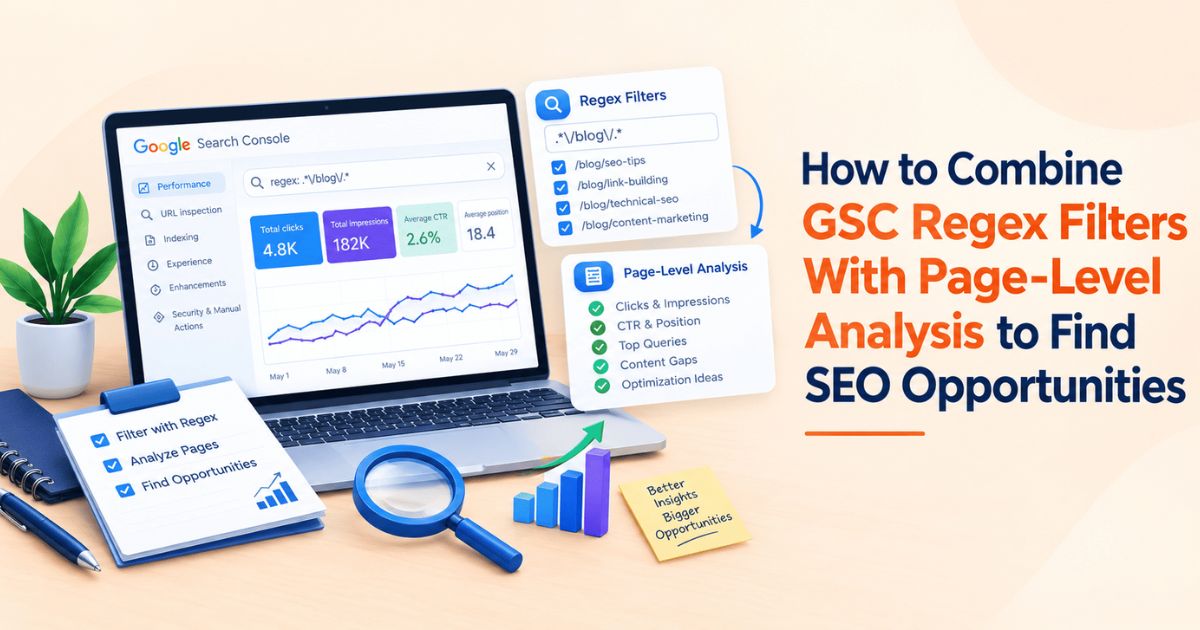
Most regex work in Google Search Console stops at the Query filter — pull long-tail phrases, isolate question queries, strip out branded traffic. That tells you what people are searching for. It doesn't tell you which page is winning that demand, which page is losing it, or how many pages are quietly splitting it between them. Stacking a Page regex filter on top of a Query regex filter closes that gap. Instead of a list of keywords, you get a list of pages with a specific, diagnosable problem attached : pages competing against themselves, pages decaying without anyone noticing, pages one CTR fix away from page one. If you haven't set up the query-side filters yet. This piece picks up where they leave off and adds the Page dimension, because a keyword list without a page attached to it is only half an audit.
Why Query-Only Filtering Misses Half the Picture
A Query filter answers “what are people searching for.” It doesn't answer “where is that traffic landing” or “is more than one page fighting over it.” Two pages can both show up for the same long-tail phrase you flagged last month — one sitting at position 6, one at position 14, and a Query-only view shows a single blended row for that phrase, not two competing pages.
The Page dimension fixes that by letting you filter on the URL itself: a folder, a template pattern, a single page- using the same RE2 regex syntax GSC already applies to queries. Add a filter for Page and a filter for Query in the same view, and Search Console treats them as AND conditions: what's left is queries matching your pattern, on pages matching your pattern, at the same time. That combination is what turns a keyword list into an opportunity list.
A Quick Refresher: The Two Dimensions You Can Filter
The Performance report's Custom (regex) option is available on two dimensions — Query and Page — both run on Google's RE2 syntax. A few defaults, per Google's own filtering documentation, catch people out often enough to be worth restating:
• Matching is partial by default. A pattern matches anywhere in the string unless anchored with ^ (start) or $ (end).
• Matching is not case-sensitive by default. Prepend (?-i) if a case-sensitive match is genuinely needed — this mostly matters on Page filters, since query text is already stored in lowercase.
• RE2 doesn't support lookaheads, lookbehinds, or backreferences. A pattern copied from a JavaScript or Python tutorial will often fail silently rather than throw an error.
• An invalid expression returns zero rows, not an error message — worth remembering the first time a filter suddenly shows “no data.”
|
Dimension |
Filters On |
Example Regex |
What It Reveals |
|
Query |
The search term typed by the user |
^(who|what|why|how) |
Which questions are driving impressions |
|
Query |
Brand vs. non-brand traffic |
weblinkbuzz|web link buzz |
How much demand is brand-independent |
|
Page |
A URL folder or template |
/blogs/ |
Performance across one content type |
|
Page |
A single, anchored path |
^https://example\.com/guides/ |
Isolates one section from the rest of the site |
The Core Technique: Stacking Page and Query Filters
1. Open Performance > Search results and set the date range — three to six months gives regex filters enough volume to be meaningful.
2. Click + Add filter, choose Query, select Custom (regex), and enter the pattern for the topic or intent you're isolating.
3. Click + Add filter again, choose Page, select Custom (regex), and enter the URL pattern for the section or template you want to check.
4. Apply both. The table now only shows rows where both conditions hold true.
5. Switch between the Queries and Pages tabs on the same filtered view — the Queries tab shows which search terms matched; the Pages tab shows which URLs absorbed that demand, aggregated by clicks, impressions, CTR, and average position.
6. Drop the Page filter and keep the Query filter to check whether the same demand is landing on pages outside the section you scoped — that's often where cannibalization is hiding.
Five Page-Level Opportunities This Combination Surfaces
Each of these starts from the same two filters above; only the pattern and the tab you're reading change.
|
Opportunity |
Filter Setup |
Signal to Look For |
Action |
|
Keyword cannibalization |
Query regex on one topic; check the Pages tab (no Page filter yet) |
More than one URL earning clicks or impressions for the same filtered query set |
Consolidate the weaker page or clearly differentiate the two |
|
Content decay |
Page regex on a folder/template; use Compare mode against the prior period |
Clicks or impressions trending down over 3–6 months |
Refresh, re-optimize, or fold into a stronger page |
|
Quick-win pages |
Page regex on a section; sort by impressions |
High impressions, average position 5–15, CTR below what's typical for that position |
Rewrite title/meta, add internal links, strengthen with an external link |
|
Underperforming templates |
Page regex matching an entire URL pattern (e.g., a programmatic template) |
Near-zero impressions across the whole pattern, while a handful of pages in it do get traffic |
Check indexing, internal linking, and whether the template renders content crawlers can see |
|
Intent mismatch |
Query regex on commercial-intent terms + Page regex on an informational section |
Commercial queries landing on blog/informational pages instead of transactional ones |
Add stronger internal links from those posts to the matching commercial page |
A Worked Example
Take a site with a large programmatic template a domain-level pricing page that exists for thousands of URLs following the same pattern, the way WeblinkBuzz's own /marketplace/websites/{domain}/ pages do. A Page regex like ^https://www\.weblinkbuzz\.com/marketplace/websites/ isolates that entire template in one filter, with no need to check pages individually.
If impressions sit near zero across most of that pattern while a handful of individual pages get consistent traffic, that's a template-level problem, not a set of unrelated one-off issues — thin content, weak internal linking, or, as it's turned out on programmatic pages before, a rendering issue that keeps crawlers from seeing content JavaScript is supposed to deliver. The same Page regex, layered with a Query filter for commercial terms like (buy|price|cost|compare), also shows whether that demand is landing on the pricing template at all or getting absorbed by blog content instead — a fast way to check whether informational posts are quietly out-competing the transactional pages they're supposed to feed.
Regex Mistakes That Quietly Skew Page-Level Analysis
• Anchoring too tightly. ^backlink price matches only queries that start with that exact phrase — “compare backlink price” won't show up. Drop the anchor unless you specifically need start-of-string matching.
• Forgetting query data is anonymised below a certain volume. Google withholds queries used by very few unique searchers over the report window, so a filtered Query view will always undercount true long-tail demand — treat it as a sample, not a full list.
• Reading page-level conclusions from a query-only filter. Without switching to the Pages tab (or adding a Page filter), it's easy to assume one page owns a topic when two or three are actually splitting it.
• Copying regex from a JavaScript or Python source. Lookaheads, lookbehinds, and backreferences aren't supported in RE2 — the filter won't error; it'll just return nothing, which reads as “no data” rather than “broken pattern.”
• Not escaping literal periods in domain patterns. example.com in a Page regex matches “exampleXcom” for any character X, not just a dot — escape it as example\.com.
• Hitting the 1,000-row cap without noticing. The Performance report table stops at 1,000 rows per view. A broad Query filter on a large site can hit that ceiling before showing the pages that matter — narrowing with a Page regex first keeps each pull small enough to read.
Turning Page-Level Opportunities Into an Action Plan at Scale
A regex sweep like this usually doesn't return one opportunity page — it returns a list. A cannibalised cluster that needs consolidating and a stronger backlink profile on the page that survives. A handful of quick-win pages sitting at position 8 that would likely move with one more authoritative link. An underperforming template that needs a content and linking fix across dozens of URLs at once.
Pricing that fixes one page at a time doesn't hold up once the list gets long, especially for agencies running this audit across several client domains in the same week. That's the point where a bulk backlink checker earns its keep — paste the opportunity-page domains from the audit and compare guest post pricing across marketplaces in one pass instead of opening each platform separately. An SEO bulk domain checker or agency backlink price tool does the same thing across client accounts, so the research step that used to take an afternoon per domain takes minutes, and comparing backlink prices in bulk keeps what you spend on each opportunity proportional to what the page is actually worth recovering.
WeblinkBuzz's bulk guest post price checker works this way: paste the domain list a regex audit surfaces and see side-by-side pricing across 23+ marketplaces in one search at weblinkbuzz.com/backlink-price-checker instead of checking each one manually.
Whichever tool handles that step, two things still apply regardless of scale: keep the anchor text pointed at any opportunity page in proportion to what's already linking there rather than repeating an exact-match phrase, and check each prospective site's spam score and penalty history before buying. A cheap link from a site that's already taken a manual action isn't a bargain — it's a second problem attached to the one you just fixed.
The Bottom Line
Query regex filters tell you what people are searching for. Page regex filters tell you where that demand is landing, and stacking both turns a keyword list into a list of pages with a specific problem attached to each one — which is the difference between an interesting export and an actual to-do list. Once that list exists, the bottleneck usually isn't finding more opportunities it's checking pricing and building at the pace the list demands. WeblinkBuzz's bulk backlink price checker is built for exactly that step: paste the domains a page-level audit turns up and get every guest post price back in one search instead of ten. Compare Backlink Prices in Bulk →