
Site added
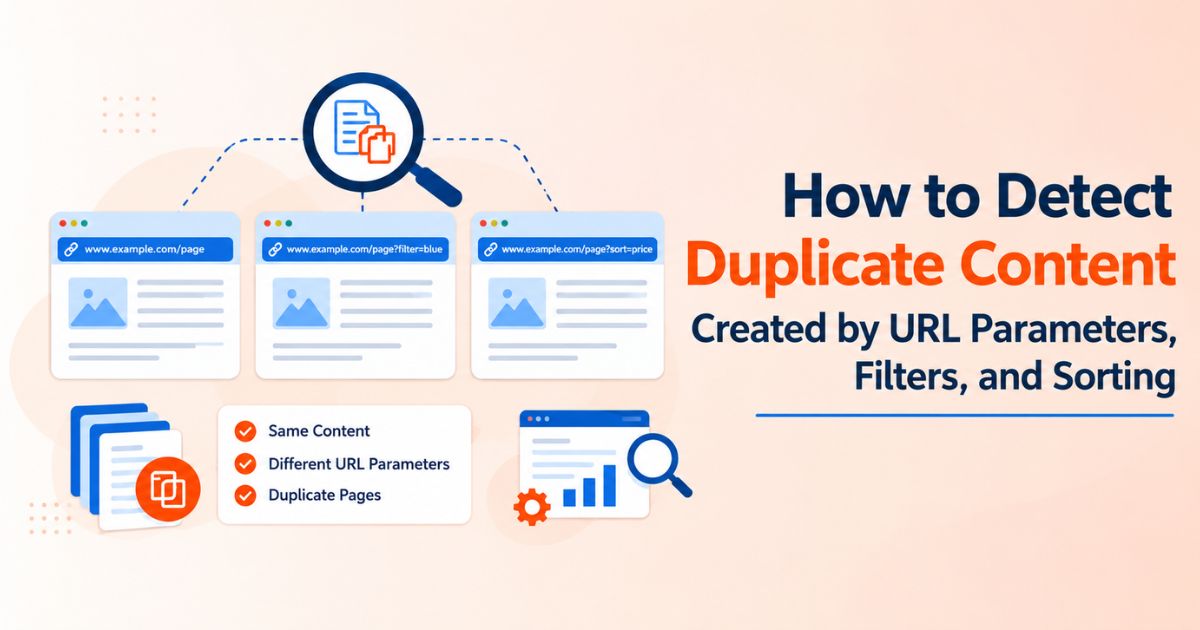
How to Detect Duplicate Content Created by URL Parameters, Filters, and Sorting
Picture a backlink price comparison tool with filters for DR, traffic, country and price, plus a sort menu on top. Every click can create a new URL, and many of those URLs show almost the same list of sites. Multiply that by a few filters and you get thousands of near-duplicate pages that search engines must crawl and decide between.
This guide uses that kind of catalog as its running example, because filter and sort pages are where duplicate content hides most often. You will learn how to spot the problem, confirm it in Google Search Console, and choose the right fix.
Quick answer: how do you detect duplicate content from URL parameters?
Open the Page indexing report in Google Search Console and look for duplicate statuses. Then search Google with site: and inurl: for parameter patterns such as ?sort= or ?filter=, and crawl your site to group URLs that share the same content or canonical. If parameter URLs outnumber your real pages, you have a problem to fix with canonical tags, robots.txt rules or client-side filtering.
Why parameters, filters and sorting create duplicate content
A URL parameter is anything after the question mark, such as ?sort=price_asc. It tells the page how to display its content, and it also creates a new address. Three things follow:
• Same content, different URL. Sorting by price or by DR shows the same rows in a different order.
• Overlapping subsets. Two filter combinations can return almost identical lists.
• Endless combinations. Google notes that faceted URLs can multiply into a very large number of variations, and that crawlers often fetch many of them before deciding they are useless. That slows the discovery of your new, useful pages.
In most cases this is not a penalty. The cost is diluted ranking signals, the wrong URL being chosen for search results, and crawl time spent on pages nobody needs.
Common URL parameter types and how to handle each
|
Parameter type |
Example |
Changes the content? |
Usual handling |
|
Sorting |
?sort=price_asc |
No, only the order |
Canonical to the base URL, or block crawling |
|
Filtering |
?dr=50-70&country=us |
Yes, narrows the list |
Index only if there is real search demand; otherwise canonical or block |
|
Pagination |
?page=2 |
Yes, different items |
Self-referencing canonical with crawlable links |
|
Tracking |
?utm_source=email |
No |
Canonical to the clean URL |
|
Session ID |
?sessionid=abc123 |
No |
Remove from URLs and use cookies |
|
Internal search |
?q=finance |
Varies |
Usually keep out of the index |
|
Display |
?view=grid |
No |
Canonical, or handle client-side |
How Google treats parameter URLs
• Canonical is a hint. Google usually follows rel="canonical", but it can choose a different URL if your signals conflict.
• robots.txt blocks crawling, not always indexing. Google may still index a disallowed URL without its content, and it cannot read a canonical tag on a page it cannot crawl.
• Two official options for faceted URLs. Prevent crawling if you do not need them in search, or follow best practices if you do, such as standard & separators and a consistent parameter order.
• Fragments are ignored. Filters built on URL fragments (#) do not affect crawling or indexing.
• The URL Parameters tool is gone. Google retired it, so the fix now lives on your site.
How to detect duplicate content from parameters: 6 steps
1. Check the Page indexing report in Search Console
Go to Indexing → Pages and look for these statuses:
• Duplicate without user-selected canonical: Google found duplicates, and you gave no canonical.
• Duplicate, Google chose a different canonical than the user: your canonical was overruled.
• Alternate page with proper canonical tag: the healthy result for parameter URLs.
• Crawled – currently not indexed and indexed, not submitted in sitemap: open the examples and watch for parameter URLs.2. Search Google for parameter patterns
Try queries such as site:yourdomain.com inurl:sort= and site:yourdomain.com inurl:filter=. Compare the number of results with the pages in your sitemap. The counts are approximate, but a large gap is a clear warning.
3. Crawl the site and group similar URLs
Run a crawler such as Screaming Frog or Sitebulb. Export every URL containing a question mark, then group them by canonical, title, H1, and content similarity. Look for parameter URLs that are indexable, self-canonical, and have the same title as the base page.
|
TIP: In the crawler export, sort by the Canonical column and filter for rows where the canonical differs from the URL. Any parameter URL that is indexable and has the same title as its base page is a duplicate to fix. |
4. Review crawl activity
In Search Console, open Settings → Crawling → Crawl Stats and check the HTML requests. If parameter URLs dominate the list, Googlebot is spending its time in the wrong place. Server logs give the same answer with more detail.
5. Compare declared and Google-selected canonicals
Use the URL Inspection tool on a sample of parameter URLs. If the user-declared canonical and the Google-selected canonical differ, your signals conflict somewhere: check redirects, internal links and the sitemap.
6. Audit sitemaps and internal links
Your XML sitemap should list only canonical URLs. Then check whether your sort and filter controls are plain links to parameter URLs. Crawlable links to every combination invite Google to crawl every combination.
Example: filters and sorting in a price comparison catalog
A guest post comparison tool lets people narrow thousands of sites and compare backlink prices across marketplaces. That is useful for users and risky for crawlers. Here is how a typical catalog produces duplicates:
|
URL pattern |
What it is |
Recommended handling |
|
/websites/ |
Main catalog page |
Index. Self-referencing canonical |
|
/websites/?sort=price_asc |
Same list, new order |
Canonical to /websites/ |
|
/websites/?dr=50-70&country=us |
Filter combination |
Canonical to /websites/, unless it is a planned landing page |
|
/websites/?domain=example.com |
Result of a backlink price checker lookup |
Keep out of the index and the sitemap |
|
Bulk results URL |
Output of a bulk backlink checker, unique to each user |
Noindex or behind login |
Any backlink price comparison tool that creates a URL for every filter runs into this. The same logic applies to a guest post comparison tool like WeblinkBuzz’s: sorting and filter combinations are for users, while a small set of stable pages, such as a category or a country, are for search. Give those stable pages clean URLs, unique intro copy and a place in the sitemap.
How to fix it: choose the right method
Sort, tracking, and view parameters all point to one clean, indexed URL.
|
Situation |
Best fix |
Watch out for |
|
Sort, view, or tracking parameters with the same content |
rel="canonical" to the clean URL |
Do not block these URLs, or Google cannot read the canonical |
|
Filter combinations with no search demand |
Block crawling in robots.txt, or filter client-side without a new URL |
Blocked URLs cannot pass signals through a canonical |
|
Filter combinations people search for |
A static page with a clean URL, unique copy and internal links |
Avoid creating one for every combination |
|
Private or user-specific results |
Noindex, or keep behind a login |
Do not add a canonical to a noindexed page |
|
http/https, www or trailing-slash duplicates |
301 redirect to one version |
Keep one preferred version everywhere |
|
Sitemap includes parameter URLs |
List canonical URLs only |
Conflicting canonical signals |
Three rules prevent most mistakes:
• Never combine noindex with a canonical. They send conflicting signals. Google prefers rel="canonical" when choosing between duplicates on one site.
• Never block a URL you want to canonicalize. If Google cannot crawl it, it cannot see the tag.
• Point canonicals to live pages. Use an absolute URL that returns 200 and is indexable, not a redirect, an error, or a noindexed page.
Duplicate content detection checklist
☐ Search Console shows no growing count of duplicate statuses.
☐ site: and inurl: searches return no unexpected parameter URLs.
☐ Every indexable page has a self-referencing canonical.
☐ Sort, view, and tracking parameters canonicalize to the clean URL.
☐ Filter combinations are blocked, kept client-side, or promoted to real landing pages.
☐ The sitemap lists canonical URLs only.
☐ Parameters use standard & separators in a consistent order.
☐ Session IDs stay out of URLs.
☐ Crawl Stats show no heavy crawling of parameter URLs.
☐ Re-check after every site change, such as a new filter or a redesign.
Conclusion
Duplicate content from parameters is easy to create and easy to miss. Start with Search Console, confirm with a crawl, then fix each pattern with the lightest method that works: a canonical for duplicates, a block or client-side handling for endless combinations, and real pages only where searchers show demand.