
Site added
Your Search Console account already holds keyword research you would otherwise pay for. The hard part is finding the queries that matter. A standard "Queries containing" filter checks one string at a time, so buyers searching "buy guest posts for a fintech blog" land in the same list as browsers searching "what is a guest post".
Regex fixes that. One pattern can match dozens of intent signals at once, and a second pattern can strip out the noise. This guide shows you how to set it up, gives you copy paste patterns for guest post marketplace research, and explains how to turn the results into ranking and link building decisions. The examples come from the link buying world, where intent shows up clearly in the wording. If you compare marketplace prices with a tool such as WeblinkBuzz, these patterns also show you what buyers ask before they open a single marketplace.
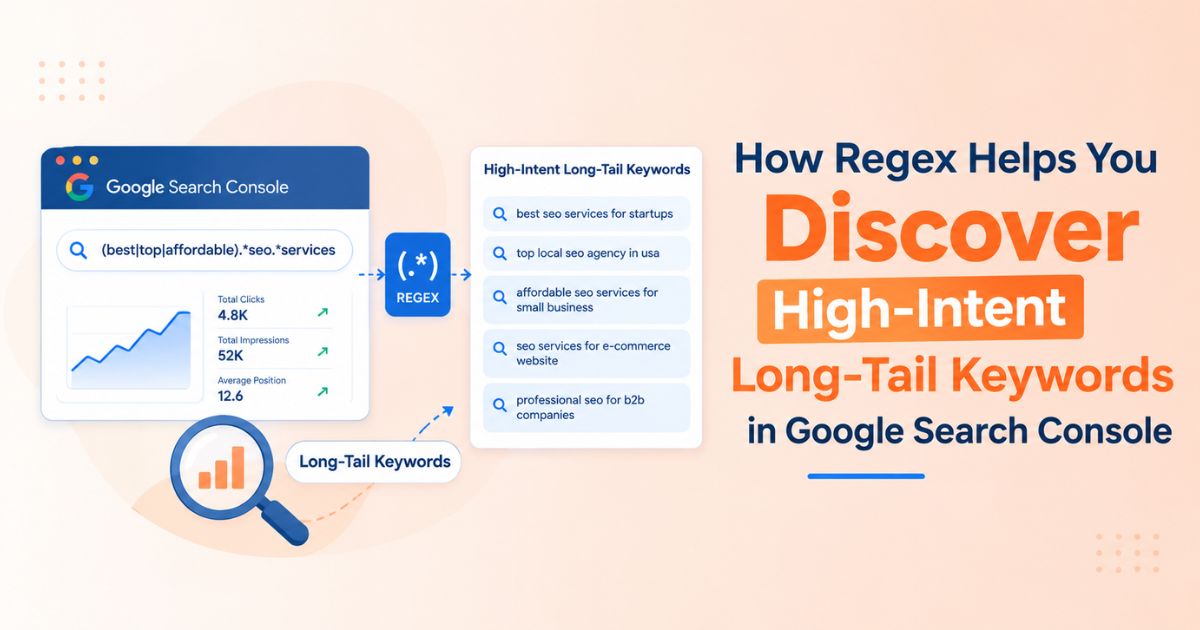
Quick answer: In Google Search Console, open the Performance report, add a Query filter, choose Custom (regex), and enter a pattern such as (buy|order|price|cost).*(guest post|backlink). Add a second filter for queries with four or more words, and you have a list of high intent long tail keywords ready to act on.
Why Standard Filters Miss High Intent Long Tail Keywords
A long tail keyword is a specific query, usually four words or more, with lower volume and a clearer goal. High intent means the wording signals a next step, such as buy, hire, compare, or price. Where the two overlap, you find the searchers closest to a decision. Standard filters make that overlap hard to see for three reasons:
• One string at a time. "Queries containing" cannot check "buy", "order", and "hire" together, so you repeat the filter and the export.
• No position control. You cannot require a query to start or end with a word.
• No length control. You cannot ask for queries with at least four words.
One limit applies to every method: Search Console leaves out anonymized queries, so your filtered list is a strong sample, not the complete picture.
How to Apply a Regex Filter in Google Search Console
1. Open your property in Search Console and go to Performance, then Search results.
2. Click + New and pick Query (or Page).
3. Choose Custom (regex) from the dropdown.
4. Select Matches regex to keep matches, or Doesn't match regex to remove them.
5. Enter your pattern and click Apply.
Filters you add together narrow each other, which lets you stack an intent pattern with a length pattern. Google documents the behavior on its Performance report help page.
Rules to remember
• RE2 syntax. Lookaheads and backreferences are not available. Choose Doesn't match regex when you need to exclude something.
• Partial match by default. A pattern matches anywhere in the query unless you anchor it with ^ at the start or $ at the end.
• Not case sensitive. Add (?-i) at the start of a pattern only when you need a case sensitive match.
Regex cheat sheet
|
Symbol |
Meaning |
Example |
|
| |
Or |
buy|order matches either word |
|
.* |
Any characters in between |
buy.*backlink matches "buy contextual backlinks" |
|
( ) |
Groups options together |
(guest post|backlink) |
|
^ and $ |
Start and end of the query |
^buy matches queries that begin with buy |
|
\S+\s |
One word plus a space |
(\S+\s){3,} repeats it three or more times |
Regex Patterns for Guest Post Marketplace Research
Each pattern below targets one buying signal. Run them one at a time, then stack the long tail filter from the end of this section. Sample matches are illustrative, and every pattern was tested in RE2.
1. Transactional intent
(buy|order|purchase|hire).*(guest post|backlink|link insertion)
Sample matches: buy contextual backlinks for saas, order guest posts online
These searchers are ready to purchase. A comparison site cannot fulfill the order, but it can win the research step with a page that shows real price ranges and explains how to buy. If a generic blog post is your best ranking page for these queries, you have found your first gap. The last section covers how to buy without overpaying.
2. Price and comparison intent
(price|pricing|cost|cheap|rates|compare|comparison).*(guest post|backlink)|(guest post|backlink).*(price|pricing|cost|cheap|rates|compare|comparison)
Sample matches: guest post price comparison, how much does a backlink cost, compare backlink prices
Comparison words matter as much as price words, and either can come before or after the topic, so the pattern checks both orders. Searchers here are benchmarking cost. Answer them with real price ranges by DR and traffic tier, not a sales pitch.
3. Recurring plan intent
(monthly|recurring|subscription|per month).*(backlink|link building)
Sample matches: monthly contextual backlinks service, recurring link building plan
These searchers want a steady cadence rather than a single placement, so they need budgeting help more than one price. A guide that turns per placement prices into a monthly budget fits this intent.
4. Marketplace and provider intent
(marketplace|platform|provider|vendor).*(guest post|backlink)|(guest post|backlink).*(marketplace|platform|provider|vendor)
Sample matches: guest post marketplace for tech blogs, backlink marketplace with traffic filters, best marketplace for guest posts
This is the comparison stage. People are choosing between platforms, so they want prices, metrics, and coverage side by side. Check whether your guest post marketplace listings and your backlink marketplace content each target a distinct version of the query, or compete for the same one.
5. Outreach and submission intent
(outreach|submit|submission|pitch)
Sample matches: seo outreach services, link submission sites, submit guest post
Read this list in two halves. Queries about seo outreach usually come from teams comparing services or looking for a process. Queries with "submit" or "link submission" often come from publishers hunting for places to post, or from people looking for directory listings, which is a different game from contextual link building. Check the live results before you build content around them.
Filter for queries with four or more words
^(\S+\s){3,}\S+$
Stack this with any pattern above. The group \S+\s is a word plus a space, repeated three times, followed by a final word.
The pattern counts words separated by ordinary spaces, so a hyphenated term counts as one word. If a result looks wrong, simplify the pattern and add pieces back one at a time.
Remove noise with Doesn't match regex
\b(yourbrand|jobs|salary|course|free|template|meaning|definition)\b
Add this as a separate filter set to Doesn't match regex, and replace "yourbrand" with your own brand terms. The word boundary marker \b stops "free" from also removing "freelance", which can be a real buyer.
Tighten loose matches
(buy|order).{0,25}(guest post|backlink)
The wildcard .* accepts any number of characters between the intent word and the topic, so a very long query can match unrelated context. Replacing it with .{0,25} caps the gap at 25 characters.
From Filtered Queries to Decisions: A Five Step Workflow
1. Pick a date range. Start with the last three months, and widen it if impressions look thin.
2. Apply one intent pattern and the length pattern. Sort the table by impressions.
3. Turn on the Position metric. Queries with an average position between 8 and 20 are close enough to page one that a focused push can pay off.
4. Open the Pages tab with the filter still active. This shows which URL ranks for the query set.
5. Export and label each cluster. The export is capped at 1,000 rows, so narrow the filters first. For larger sites, use the Search Console API (it accepts regex filters in RE2 syntax), the Looker Studio connector, or bulk data export to BigQuery.
Then read each cluster against this table:
|
What you see |
What it means |
What to do |
|
High impressions, average position 8 to 20, correct page ranks |
The page is close to page one |
Add internal links and a few relevant contextual backlinks |
|
High impressions, wrong page ranks |
Intent mismatch |
Create or rework a page built for that query |
|
Two URLs rank for one query |
Cannibalization |
Choose one target page and differentiate the other |
|
High impressions, low click through rate |
Weak title or snippet |
Rewrite the title and meta description |
|
The same query pattern keeps repeating |
Demand for a dedicated page |
Build a page around the pattern |
For example, if variations of "contextual backlinks service" keep appearing in your filtered list, check the search results first. If they show sellers, a guide that explains how to evaluate a provider is a better fit than a page that tries to sell the service.
Using the Results for Contextual Link Building and SEO Outreach
A filtered query list does more than guide content. It shows which URLs deserve links.
• Pick link targets from the data. Pages sitting at positions 8 to 20 for high intent queries are strong candidates for contextual link building, because links placed inside relevant articles pass topical context along with authority.
• Aim your outreach. Pitching a page that already earns impressions gives you a concrete reason to contact a publisher, and the query wording shows the angle their readers care about.
• Build a shortlist per page. Match each target page to publishers whose articles cover the same subject as the query, not just the highest DR score.
How to buy contextual backlinks without overpaying
Once the data shows which pages need support, you can buy contextual backlinks through a guest post marketplace, a backlink marketplace, or a monthly contextual backlinks service that spreads placements over time. A contextual backlinks service can save effort, but it does not remove the need to check what you are paying for. Use this checklist:
• Compare before you order. The same site can carry very different prices depending on the seller, so check more than one marketplace.
• Organic traffic, not DR alone. DR and DA are starting filters. Set a minimum organic traffic figure alongside your DR range, and reject sites that fall below it.
• Spam and penalty history. Look for sudden traffic drops, unrelated topics, and pages packed with outbound links.
• Editorial ratio. Check how many posts on the site are sponsored or commercial compared with genuine editorial content.
• Topical match. The article hosting your link should relate to your target page.
• Editorial placement. Choose links inside real articles, not sidebars, footers, or sitewide blocks.
• Spread placements over time. A steady cadence looks more natural than one large batch.
• Link qualification. Google's spam policies treat buying links for ranking purposes as link spam unless the link is qualified with a nofollow or sponsored attribute. Read the spam policies and decide your risk tolerance before you scale.
Distribute anchor text deliberately
Use the real queries from your filtered list as raw material for descriptive anchors, written the way people naturally phrase them. Keep the mix varied, and audit your anchor text ratios before buying more placements:
|
Anchor type |
Example |
Guidance |
|
Branded |
YourBrand |
Should make up the largest share |
|
Naked URL |
yoursite.com/page |
Common in natural link profiles |
|
Partial match |
affordable guest post sites for saas |
Use where the sentence supports it |
|
Generic |
read more, this guide |
Adds natural variety |
|
Exact match |
buy guest posts |
Keep to a small minority |
Conclusion
Regex turns Search Console from a reporting screen into a keyword discovery tool. Start with the five intent patterns, stack the four word filter, and act on what the workflow shows. Each filtered list tells you which pages to fix, which to build, and which to support with links.
When your data points to a page that needs links, a tool such as WeblinkBuzz lets you compare guest post prices, DR, organic traffic, and niche data across marketplaces before you order. If a competitor outranks you for the same queries, its competitor backlink analysis shows which sites link to their page.